Gaming monitors · Buying guide
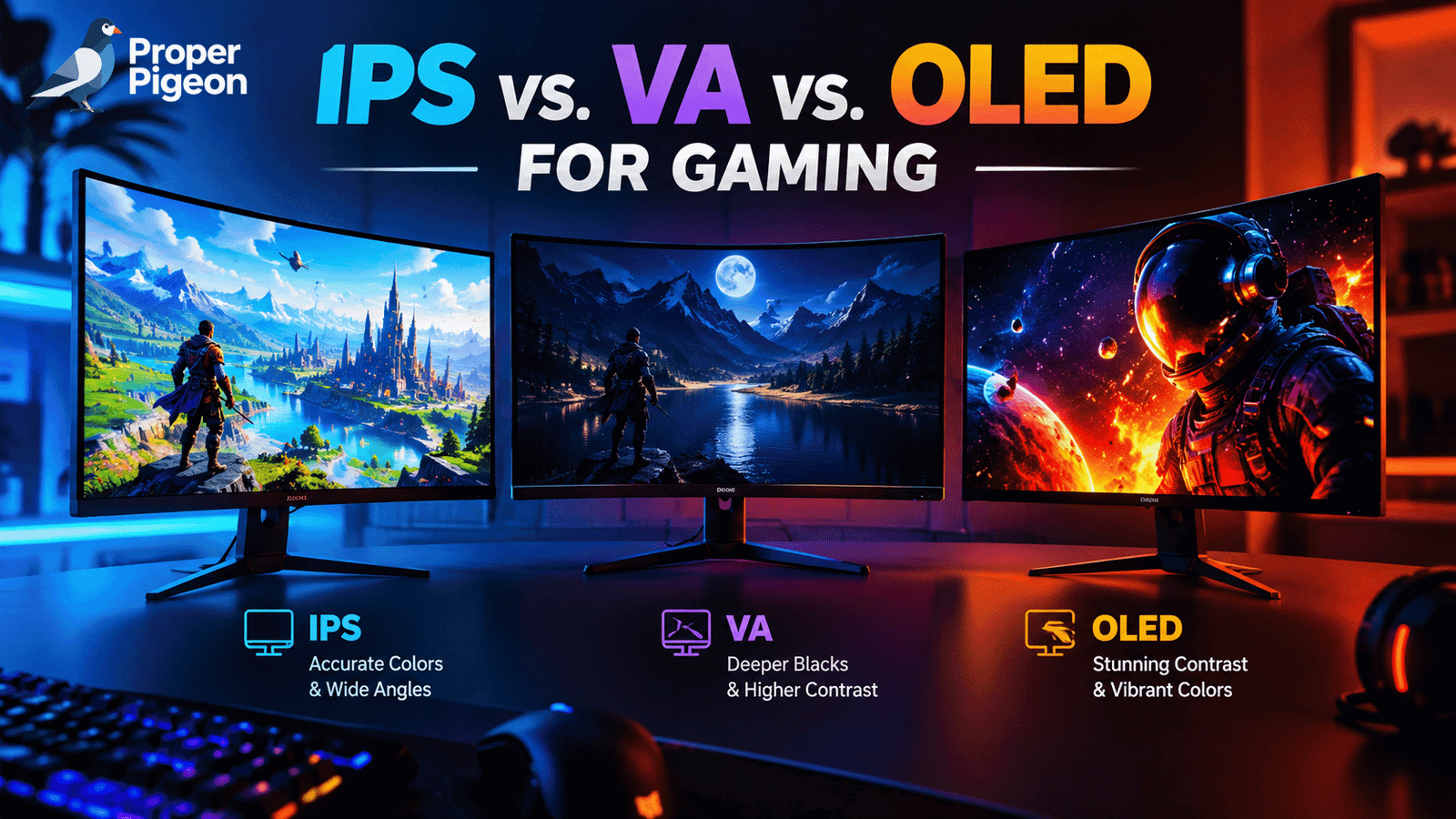
The best gaming monitor panel depends on what you value most: fast motion, deep blacks, a lower price, or a screen that works well for gaming and everyday tasks. Here’s how IPS, VA, and OLED compare—and what to check before you buy.
Quick summary
- Choose IPS for a versatile gaming monitor, wide viewing angles, and a strong balance of motion handling, color, and price.
- Choose VA if you want deeper blacks than a typical IPS LCD and a more immersive picture in darker games, often at a reasonable price.
- Choose OLED for near-instant pixel response, excellent motion clarity, and pixel-level blacks—but budget more and consider burn-in precautions.
- Don’t shop by panel type alone. Refresh rate, measured response times, brightness, local dimming, resolution, and warranty can matter just as much.
For most people, a good IPS monitor is the safest all-round choice. VA makes sense when contrast and value are priorities, while OLED is the premium option for gamers who want especially clear motion and high-contrast images. There isn’t one winner for every setup: the specific monitor and the games you play matter.
IPS vs VA vs OLED: quick comparison
Use this table as a starting point, not a guarantee. Individual monitors can vary significantly, even when they use the same panel technology.
| Feature | IPS LCD | VA LCD | OLED |
|---|---|---|---|
| Main strength | Versatile performance and wide viewing angles | High native contrast for an LCD | Pixel-level blacks and very fast pixel response |
| Dark-scene contrast | Usually the weakest of these three | Usually stronger than typical IPS | Excellent in a dark room; pixels can turn off individually |
| Motion clarity | Often good, but model-dependent | Can be good; some models show dark-level smearing | Typically excellent pixel response |
| Viewing angles | Generally wide | Often narrower, with more image shift off-axis | Generally very wide |
| Burn-in concern | No OLED-style burn-in concern in normal use | No OLED-style burn-in concern in normal use | Possible with cumulative static-image exposure |
| Typical fit | Competitive games, mixed use, and value builds | Single-player games and darker rooms | Premium gaming, HDR content, and motion clarity |
Important: Panel type alone does not determine brightness, color accuracy, refresh rate, HDR quality, or price. Check measurements and specifications for the exact model you’re considering.
What is an IPS gaming monitor?
IPS (In-Plane Switching) is a type of LCD panel that uses a backlight. IPS monitors are popular because they generally maintain color and image consistency well when viewed from different angles. They also offer a broad range of resolutions and refresh rates, from budget-friendly displays to high-end esports models.
Why choose IPS?
- Versatility: A good fit for gaming, browsing, school, and work on the same screen.
- Viewing angles: The image generally holds up better when you’re not sitting directly in front of the display.
- Motion performance: Many IPS gaming monitors handle fast transitions well, although actual response time depends on the model and overdrive setting.
- Choice: There are IPS monitors across a wide range of budgets and refresh rates.
The main trade-off is contrast. A typical IPS LCD can make dark scenes look more gray than black in a dim room. Some newer IPS variants improve contrast, and Mini-LED backlighting can improve HDR performance, but neither feature is present on every IPS monitor.
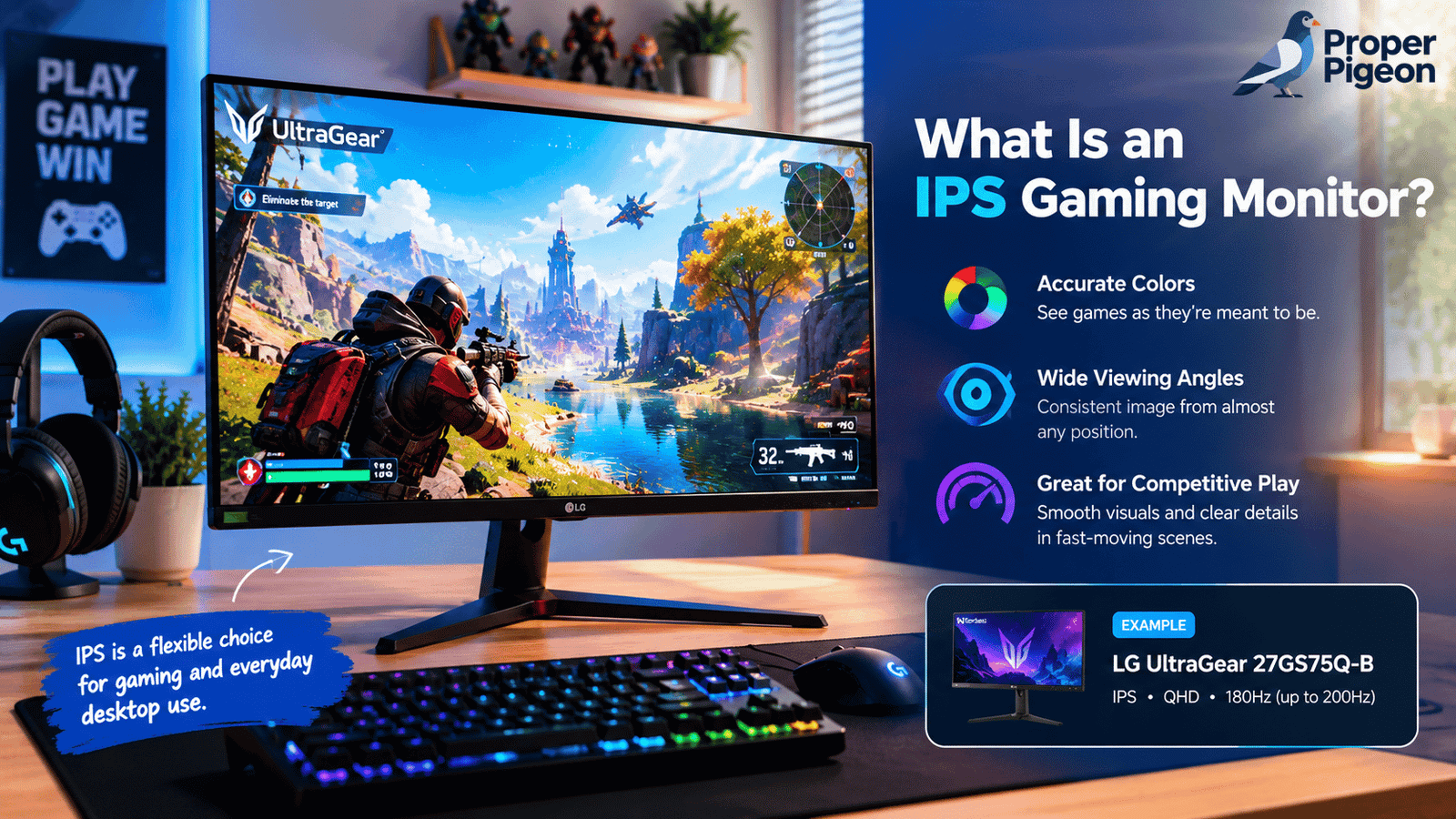
This 27-inch QHD model is listed with a 180Hz refresh rate (overclockable to 200Hz), an IPS panel, and adaptive-sync support. It’s an example of the kind of specification mix to compare—not a claim that it is the best IPS monitor for every gamer.
Listed price supplied for this draft: $169.99
What is a VA gaming monitor?
VA (Vertical Alignment) is another type of backlit LCD. Its main advantage is typically higher native contrast than a standard IPS panel, which helps dark areas look deeper and can make atmospheric games feel more immersive. VA monitors are available in flat and curved designs, including many high-refresh-rate models.
Why choose VA?
- Deeper LCD blacks: VA usually provides stronger native contrast than typical IPS LCDs.
- Immersive image: The contrast advantage can be noticeable in dark scenes, horror games, and cinematic single-player titles.
- Value: VA models can offer a compelling mix of resolution, refresh rate, screen size, and price.
The main caveat is motion handling. Some VA panels have slower transitions between dark shades, which can create dark trails behind moving objects—a behavior often called black smearing. This is not equally severe on every VA monitor, so look for independent motion tests instead of relying only on the advertised “1ms” figure.
VA viewing angles are also generally narrower than IPS or OLED. If you sit off-center or frequently share the screen, check reviews for changes in brightness and color from the sides.
This 27-inch curved QHD gaming monitor is the VA example in this guide. The supplied product listing describes a 180Hz model. Before buying, verify the exact regional model, current specifications, included ports, and return policy.
Listed price supplied for this draft: $179.99
What is an OLED gaming monitor?
Unlike IPS and VA LCDs, OLED displays do not need a separate backlight: each pixel produces its own light and can switch off individually. That gives OLED its defining strengths—very deep blacks, excellent contrast, and exceptionally fast pixel response.
Why choose OLED?
- Motion clarity: Very fast pixel transitions can keep moving objects clearer, especially when paired with a high refresh rate.
- Dark scenes: Individual pixels can turn off, so black areas don’t rely on a backlight trying to block light.
- HDR impact: Strong contrast can make bright highlights stand out against dark scenes. Actual HDR quality still depends on the monitor’s brightness and implementation.
- Viewing angles: OLED generally maintains the image well when viewed from the side.
OLED’s trade-offs include a higher purchase price on many models, potential brightness limitations in some full-screen scenes, and the possibility of burn-in from cumulative exposure to static elements. Desktop interfaces, taskbars, and fixed HUDs are worth considering if you keep the same content on screen for long periods.
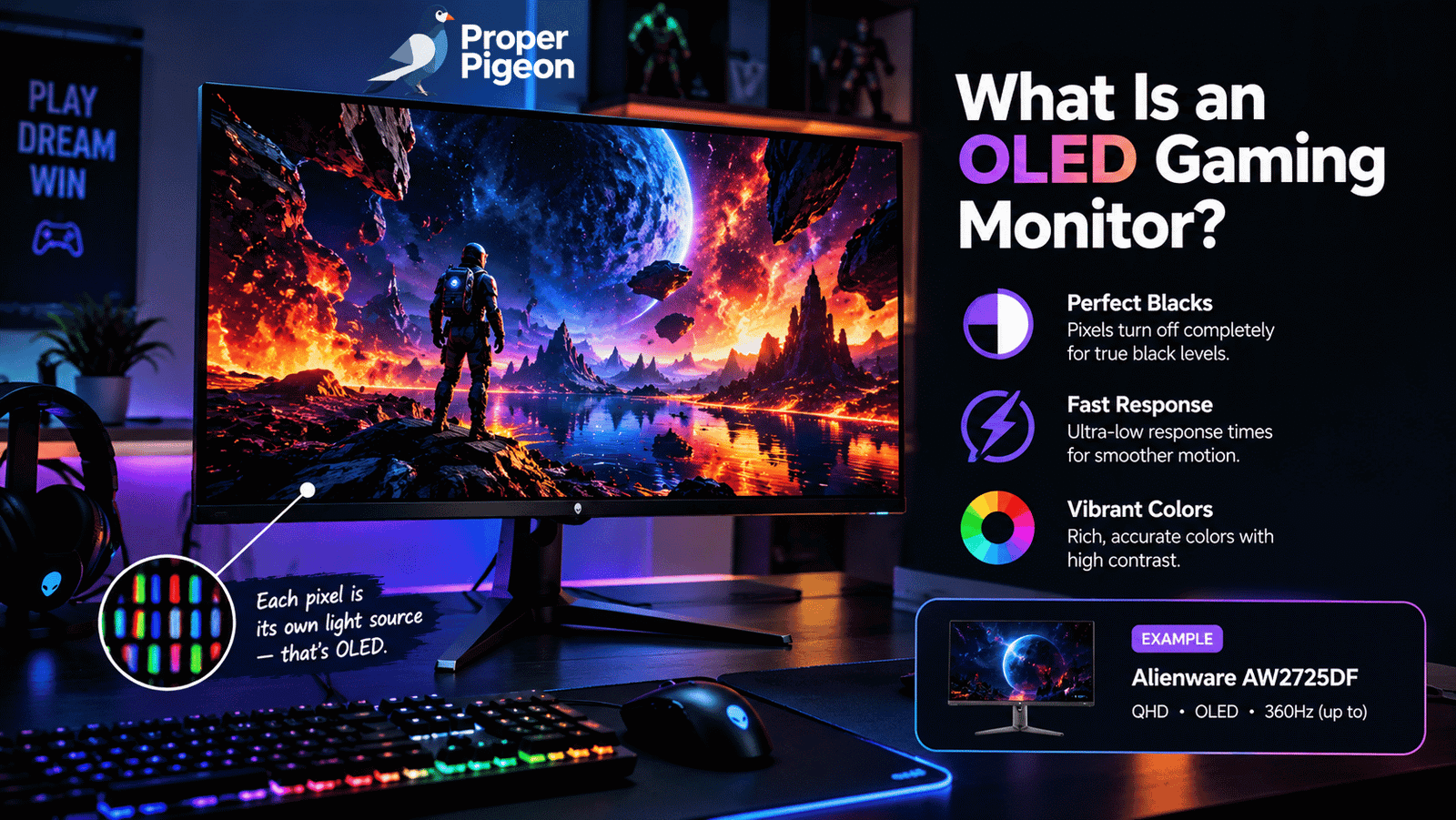
This 26.7-inch QD-OLED gaming monitor is listed with a 2560 × 1440 resolution, a 360Hz refresh rate, and a stated 0.03ms response time. Manufacturer response-time figures use specific test conditions, so they should not be compared directly with every LCD’s advertised figure.
Listed price supplied for this draft: $569.00
IPS vs VA vs OLED: which is best for your games?
| Your priority | Panel to consider | Why | What to check |
|---|---|---|---|
| Competitive shooters and fast action | IPS or OLED | Both can deliver clear motion; OLED generally has faster pixel transitions. | Independent response-time tests, refresh rate, input lag, and adaptive sync. |
| Single-player games in a dim room | OLED or VA | Both can create a more contrast-rich image than a typical IPS LCD. | OLED burn-in policy; VA dark smearing; HDR performance. |
| Gaming plus office work | IPS | A balanced choice with wide viewing angles and no OLED-style burn-in concern. | Text clarity, resolution, screen coating, ergonomics, and brightness. |
| Premium image quality and HDR | OLED or Mini-LED LCD | OLED offers pixel-level blacks; good Mini-LED monitors can deliver strong brightness and local dimming. | Measured HDR brightness, local-dimming behavior, blooming, and room lighting. |
| Lower-cost high-refresh gaming | IPS or VA | Both technologies have many affordable high-refresh options. | Actual response times, motion artifacts, warranty, and current price. |
These are starting points, not rigid rules. A well-tuned VA monitor can outperform a poor IPS model in some areas, and a good IPS monitor may be a better fit than an entry-level OLED for a bright room or a mixed-use desk.
What about Mini-LED and QLED?
Mini-LED is a backlight technology, not a separate LCD panel type. It uses many small LEDs and local-dimming zones to control brightness across parts of the screen. It can be paired with an LCD panel, including VA or IPS. Effective Mini-LED local dimming can substantially improve HDR and contrast, though bright objects on dark backgrounds may still produce a halo or “blooming” effect.
QLED usually refers to a quantum-dot layer used to improve color and brightness in an LCD display. It does not automatically mean the monitor is OLED. Read the full panel and backlight specifications rather than treating QLED as a direct alternative to IPS or VA.
This QHD gaming monitor is an example of how VA and Mini-LED can be combined. The supplied listing describes a 27-inch screen, 180Hz refresh rate, and HDR1000 branding. Check independent reviews for local-dimming performance and verify the precise specification before publication.
Listed price supplied for this draft: $229.99
What to check before buying a gaming monitor
1. Refresh rate and your PC’s frame rate
A 180Hz or 360Hz monitor can display more updates per second than a 60Hz screen, but the benefit depends on the games you play and the frame rate your PC can deliver. A very high refresh rate may be valuable for competitive games; for slower single-player games, contrast and HDR may matter more.
2. Response time—not just the “1ms” label
Advertised response times are measured under particular conditions and aren’t always directly comparable across brands. Look for independent tests of transitions at the refresh rate you’ll use. Check whether the monitor’s overdrive setting causes inverse ghosting or other artifacts, and pay special attention to dark transitions on VA panels.
3. Resolution, size, and graphics performance
Higher resolution can improve sharpness, but it also asks more of your graphics card. For many 27-inch monitors, QHD (2560 × 1440) is a common middle ground between Full HD and 4K. Match resolution and refresh rate to the games you play and the performance your PC can sustain.
4. HDR and brightness
Don’t assume a panel type or an HDR label guarantees great HDR. Look for independent measurements of peak and sustained brightness, contrast, color volume, and local dimming where applicable. OLED’s deep blacks can make highlights pop, while a strong Mini-LED LCD can offer high brightness. Room lighting and reflections also affect what you see.
5. Burn-in protection and warranty
If you choose OLED, review the manufacturer’s burn-in policy and warranty wording before purchase. Pixel refresh, pixel shifting, and screen dimming features can help manage risk, but they do not make burn-in impossible. Varying content and allowing the monitor’s maintenance features to run as directed are sensible precautions.
6. Ports, ergonomics, and return policy
Check that the monitor supports the refresh rate and resolution you want over the connection you’ll use. Also look at stand adjustments, VESA compatibility, USB features, adaptive-sync support, warranty coverage, and the seller’s return policy. These practical details can matter more day to day than small differences between panel technologies.
Frequently asked questions
Is IPS better than VA for gaming?
Not in every case. IPS generally has wider viewing angles and often handles motion well, while VA typically has stronger native contrast. If you play fast competitive games, compare response-time tests; if you play darker cinematic games, VA’s contrast may appeal more.
Is OLED worth it for gaming?
OLED can be worth the extra cost if you value very fast pixel response, deep blacks, and high-contrast images. It may be less suitable if you want to minimize cost, keep static desktop content on screen for long periods, or use the monitor in a very bright room without checking its brightness performance.
Can VA monitors have good response times?
Yes. VA performance varies by model, and some VA monitors handle motion well. However, certain models have slower dark transitions that cause black smearing. Independent tests are more useful than panel labels or a single advertised response-time number.
Does Mini-LED mean a monitor is OLED?
No. Mini-LED refers to the backlight used by an LCD monitor, while OLED pixels emit their own light. A Mini-LED LCD can have excellent brightness and local dimming, but it may still show blooming around bright objects on dark backgrounds.
Which panel is best for both gaming and work?
A good IPS monitor is a strong all-round option because it balances gaming performance, viewing angles, and everyday use without OLED-style burn-in concerns. OLED can also work well for mixed use, but consider text rendering, static content, brightness, and warranty before choosing.
Final verdict
For a balanced setup, start by comparing IPS monitors. Choose VA if stronger LCD contrast is high on your list, especially for darker games. Choose OLED if you’re willing to pay more for exceptionally fast pixel response and deep blacks, and you’re comfortable following the manufacturer’s burn-in guidance.
The best choice isn’t the panel with the biggest headline spec. Compare the exact monitor’s independent test results, refresh rate, response behavior, brightness, ports, warranty, and current price before making your decision.
Affiliate disclosure: As an Amazon Associate, ProperPigeon earns from qualifying purchases. Product links may earn us a commission at no extra cost to you.