Gaming Hardware • Console Comparison
The PS5 Pro vs Xbox Series X decision is not simply about which console has the bigger specification sheet. The PS5 Pro is a premium upgrade focused on sharper image quality and enhanced graphics in supported games. The Xbox Series X offers a compelling 4K console experience, convenient features such as Quick Resume, broad backward compatibility, and a disc-equipped option.
This comparison focuses on what those differences mean in everyday play: how games look and feel, what you can play, how storage works, and where the extra money is most likely to make a noticeable difference.
Quick verdict
Choose the console that improves the way you actually play
Choose PS5 Pro if visual quality is a priority, you own or plan to play PS5 Pro-enhanced titles, and you have a 4K display that can reveal the improvements. Its 2TB internal SSD is another practical advantage.
Choose Xbox Series X if you want strong 4K gaming with Quick Resume, access to the Xbox game ecosystem and subscription options, backward compatibility across selected older generations, and a built-in disc drive in the 1TB disc model compared here.
Neither console guarantees a fixed frame rate or identical image quality across every game. Results depend on each title, its update, display, and selected graphics mode.
In this article
PS5 Pro vs Xbox Series X: At-a-Glance Comparison
The table compares the PS5 Pro with the Xbox Series X 1TB disc model. Xbox configurations vary by market, so make sure the retailer listing matches the version you intend to buy.
| Feature | PlayStation 5 Pro | Xbox Series X 1TB (Disc) |
|---|---|---|
| Main advantage | Enhanced visuals and image reconstruction in supported games | Balanced 4K gaming, Quick Resume, Xbox ecosystem and backward compatibility |
| Graphics technology | PSSR upscaling, enhanced ray tracing and game-specific Pro enhancements | Custom AMD RDNA 2 GPU; ray tracing and game-specific performance modes |
| Target resolution / frame rate | 4K output and up to 120 fps in compatible games and displays; performance varies by title | 4K gaming and up to 120 fps in compatible games and displays; performance varies by title |
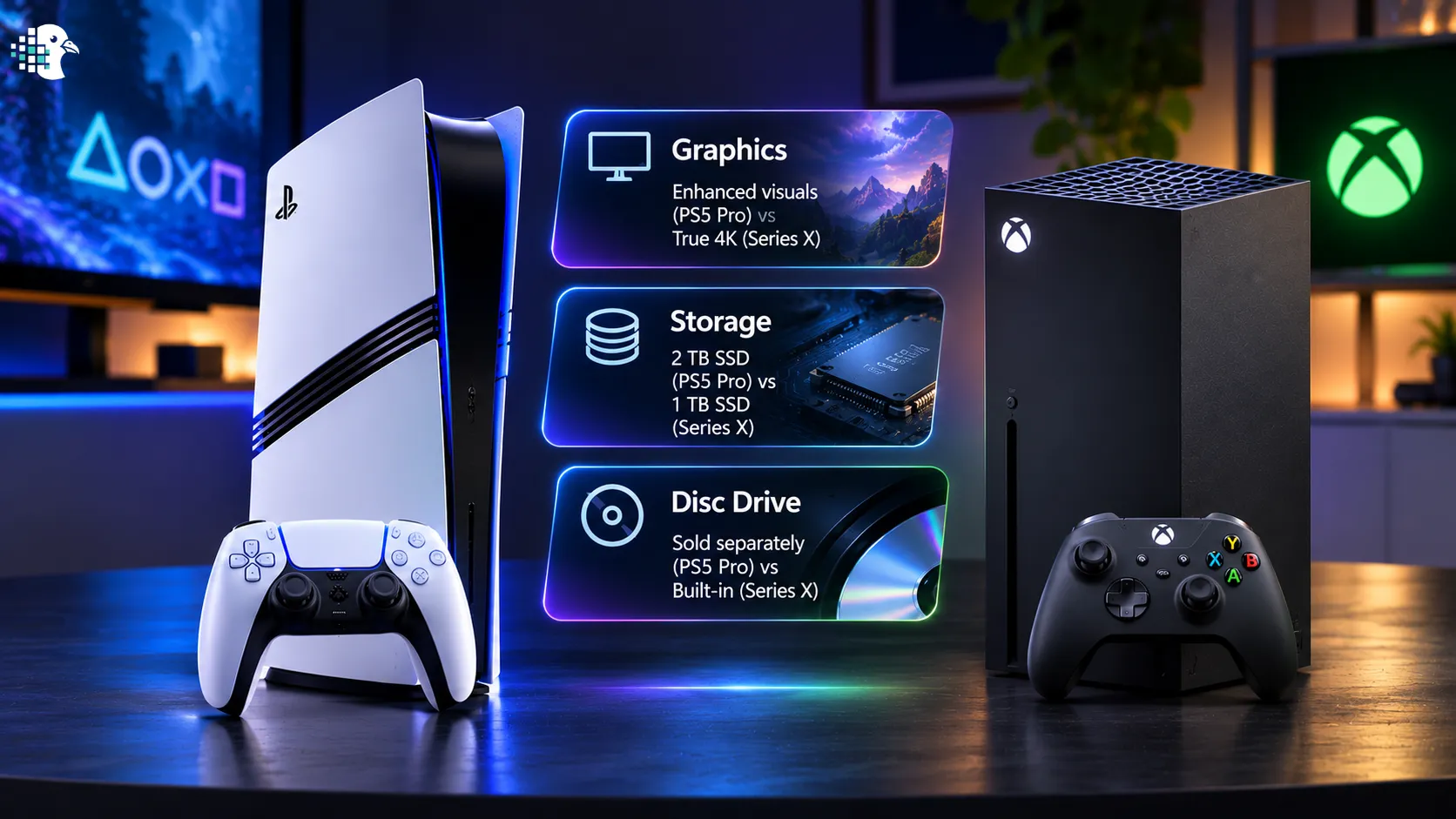
| Built-in storage | 2TB SSD | 1TB SSD on the model compared |
| Disc drive | Sold separately | Included on the 1TB disc model compared |
| Older game support | PS5 games and supported PS4 titles | Thousands of supported titles across Xbox One, Xbox 360 and original Xbox generations; compatibility varies by title |
| Standout convenience feature | DualSense haptics and adaptive triggers in supported games | Quick Resume for switching between supported games |
Graphics and Performance: Where the PS5 Pro Has Its Strongest Case
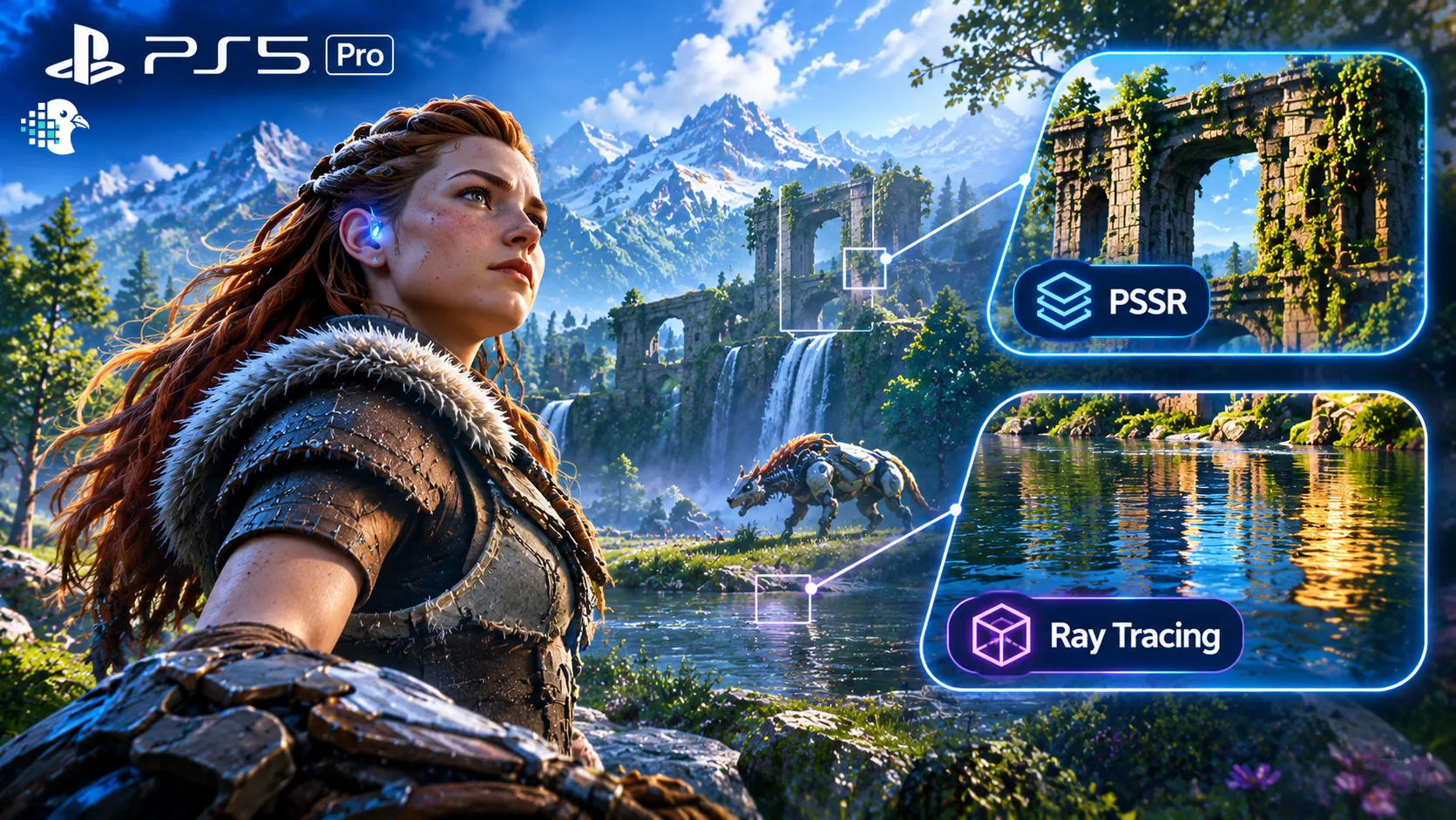
The PS5 Pro’s clearest reason to exist is its ability to improve selected PS5 games visually. Sony highlights PlayStation Spectral Super Resolution (PSSR), advanced ray tracing, and higher or more stable frame rates in supported titles. PSSR reconstructs an image to improve perceived detail; it does not mean every game is rendered natively at 4K or that every title looks dramatically better.
The practical benefit is most noticeable when a developer provides a well-implemented Pro mode: players may get a sharper image, improved lighting or reflections, or a better balance between visual detail and responsiveness than on the standard PS5. The difference depends on the game and can be subtle in some titles.
Two examples of games that make the comparison tangible
For example, Alan Wake 2 Deluxe Edition for PlayStation 5 is a useful reference for players who care about atmospheric lighting, shadows, and a visually dense survival-horror world. The PS5 version is marked PS5 Pro Enhanced, although the extent of the benefit depends on the game update and graphics mode.
Final Fantasy VII Rebirth — Exclusive Amazon Edition for PS5 offers another example, with large environments, effects-heavy combat, and cinematic presentation. It is also listed as PS5 Pro Enhanced, making it relevant for players who want to see how Pro-specific improvements can affect a visually ambitious game.
How does Xbox Series X compare?
The Xbox Series X remains a capable 4K console with a custom AMD RDNA 2 GPU, hardware-accelerated ray tracing in supported games, variable refresh rate, and support for up to 120 fps when a game and display allow it. It can deliver excellent image quality, but it does not use Sony’s PSSR implementation or receive PS5 Pro-specific graphics modes.
For a buyer choosing between these two models, the important distinction is not that Xbox graphics are “bad.” It is that the PS5 Pro is designed to offer an additional visual step in selected games, while the Xbox Series X aims to deliver a strong current-generation experience with its own ecosystem advantages.
Your Display Matters: Get the Most from Either Console
A console’s capabilities only matter if your display can show the difference. A good 4K TV or gaming monitor can help you appreciate sharper image quality, improved lighting, higher frame rates, and features such as variable refresh rate (VRR) when supported by the console and game. For the PS5 Pro in particular, a quality 4K display makes it easier to notice the benefits of supported graphics enhancements; a display that lacks the relevant features may make the premium harder to justify.
Panel technology also affects contrast, motion clarity, viewing angles, and dark-scene performance. If you are choosing a monitor or TV alongside a console, read our guide to IPS vs. VA vs. OLED for gaming to understand the trade-offs before spending more on your display.
Games and Gaming Ecosystem: Which Experience Fits You?
A console is only as useful as the games you want to play. Instead of relying on a generic list of exclusives, consider three parts of the experience: the titles you are excited to play, how you access new games, and whether older games matter to you.
Why choose PlayStation?
PlayStation is a strong fit for players drawn to its first-party releases, story-driven adventures, and games with specific PS5 Pro enhancements. The DualSense controller also adds haptic feedback and adaptive triggers in supported titles, which can make compatible games feel more tactile.
- Visual-first gaming: Pro-enhanced games can make the premium hardware easier to appreciate.
- Immersion: DualSense features can add useful feedback when developers take advantage of them.
- 2TB internal SSD: More room for a large installed library before storage management becomes necessary.
Why choose Xbox?
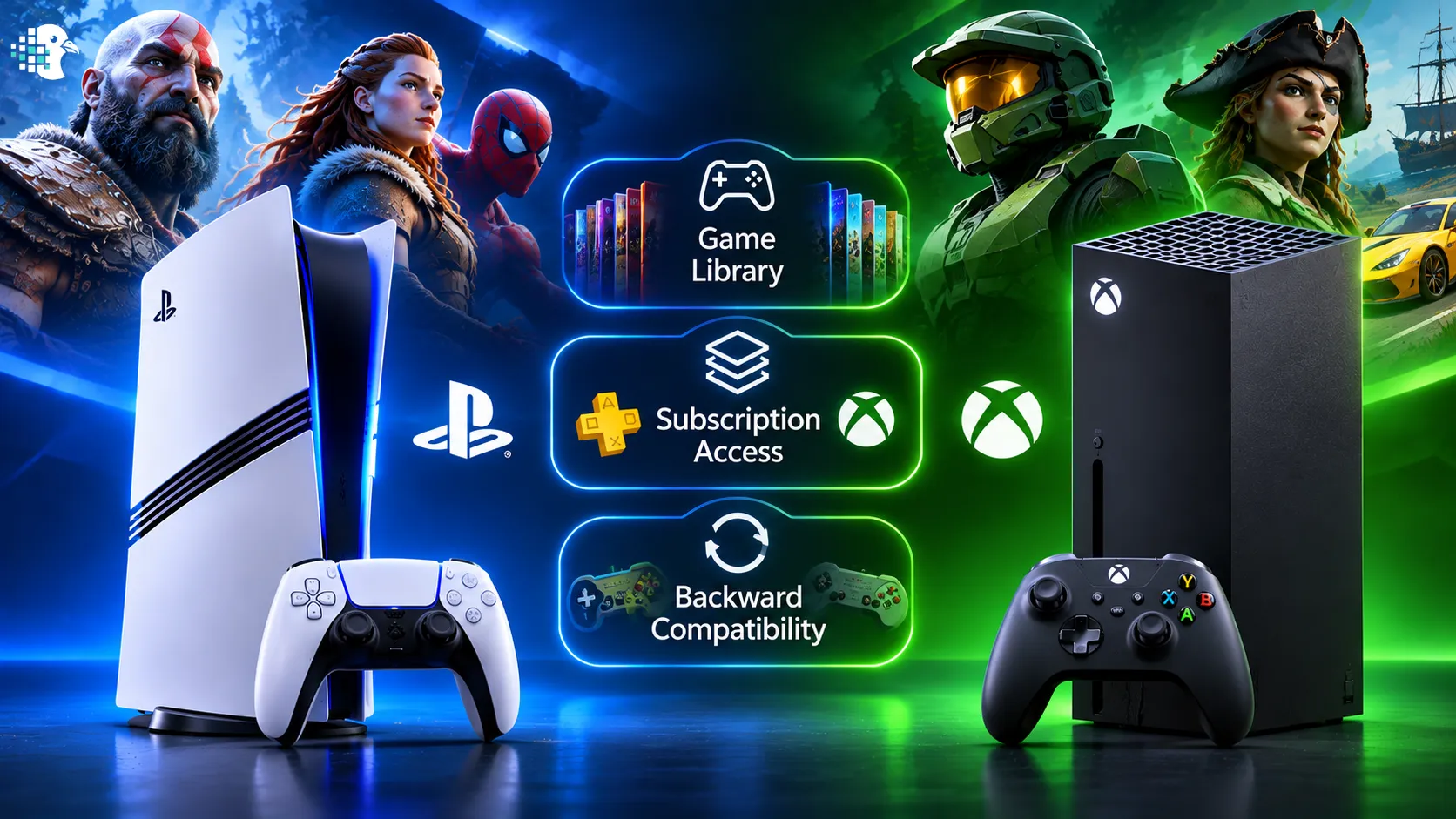
Xbox’s strongest arguments are convenience and access. Quick Resume lets players switch between supported games without always restarting from the beginning. The backward-compatibility catalogue also includes thousands of selected games from Xbox One, Xbox 360, and the original Xbox. Game Pass can make it easier to sample a broad range of games, but the value depends on the current catalogue, local pricing, and how many included games you actually play.
- Quick Resume: A practical benefit for people who play several games in rotation.
- Backward compatibility: A wider path to selected older Xbox titles, with support varying by game.
- Subscription flexibility: A catalogue-based way to discover games instead of purchasing every title individually.
Storage and Physical Discs: A Real Difference in Everyday Use
The PS5 Pro includes a 2TB internal SSD, compared with the 1TB SSD in the Xbox Series X disc model used here. That gives the Pro more built-in room for large modern games. Xbox also sells a 2TB Series X configuration in selected markets, but it is a different purchase and is not the model compared in the table above.
The other clear difference is the disc drive. The compared Xbox Series X 1TB model includes a 4K UHD Blu-ray drive. The PS5 Pro is sold without a disc drive; a compatible drive is an additional purchase. That can affect the total cost for people who prefer physical games or already have a collection of discs.
| Storage / media need | PS5 Pro | Xbox Series X 1TB Disc |
|---|---|---|
| Room for installed games out of the box | 2TB internal SSD | 1TB internal SSD |
| Play compatible physical game discs | Requires a separately purchased compatible disc drive | Disc drive included in the compared model |
| Expand high-speed game storage | Compatible M.2 NVMe SSD can be installed internally | Compatible Storage Expansion Card supports internal-SSD-like performance |
| Use an external USB drive | PS5 games can be stored/archived but must be copied back to console storage to play; PS4 games can be played from supported external storage | External USB storage supports compatible use cases; many Series X|S optimized games must be played from internal storage or a supported expansion card |
If you want a large external library for archiving games, a portable 5TB option such as the Seagate Game Drive for PlayStation can store PS5 games for later transfer and lets you play supported PS4 games directly from the drive. The drive connects over USB 3.0 and is designed for PS5 and PS4 consoles. Keep in mind that PS5 games stored on an external USB drive must be transferred back to the console’s internal storage or a compatible internal M.2 SSD before you can play them.
External USB drives are not a substitute for an internal high-speed SSD when your goal is to play PS5 games directly. Check the current console and drive compatibility guidance before buying.
Price and Overall Value: What Does the Extra Money Buy?
Retail prices, bundles, promotions, taxes, and availability vary by country. For a global audience, it is more useful to compare the overall package than to rely on a single US price that may not apply in another market.
The PS5 Pro generally occupies the premium position. Its value is strongest when you will regularly play supported games, have a good 4K display, and care about the visual improvements. If you mostly play games without Pro enhancements, use a smaller display, or are satisfied with the standard performance of current-generation consoles, the premium may be harder to justify.
The Xbox Series X can offer stronger value for players who will use Quick Resume, play backward-compatible titles, benefit from the Xbox subscription catalogue, or want a disc drive included. A subscription should still be treated as an ongoing cost, and the included games and plan benefits can change by region and over time.
Which Console Should You Buy?
| Your main priority | Better fit | Why |
|---|---|---|
| Sharper visuals in supported games | PS5 Pro | PSSR, enhanced ray tracing, and Pro-specific modes can improve image quality in compatible titles. |
| Premium PlayStation gaming on a 4K display | PS5 Pro | The hardware upgrade is most meaningful when you can see and appreciate its supported visual enhancements. |
| Quickly switching between games | Xbox Series X | Quick Resume is a practical quality-of-life feature for compatible titles. |
| Playing selected games from older Xbox generations | Xbox Series X | Backward compatibility spans thousands of selected titles across several Xbox generations. |
| Playing physical games and 4K Blu-ray discs without buying an extra drive | Xbox Series X 1TB Disc | The compared model includes its optical drive, while the PS5 Pro requires a separately purchased compatible drive. |
| More built-in space for a large installed library | PS5 Pro | Its 2TB internal SSD offers more capacity than the 1TB Xbox model compared here. |
Our recommendation
For players who put image quality first, the PS5 Pro is the more compelling premium choice—provided the games they play have meaningful Pro enhancements. It offers a clearer reason to pay more when the goal is to improve the presentation of supported titles, not simply to own a newer or more expensive console.
For players who value convenience, broad access to older games, subscription-based discovery, and a built-in disc drive, the Xbox Series X is a strong all-round choice. Its strengths are not limited to specifications: Quick Resume and the Xbox ecosystem can make day-to-day gaming more convenient.
Before buying, check the current price and availability in your country, confirm the exact console configuration, and compare the games and services you will genuinely use. Those factors determine whether the premium features are worth paying for.
Premium graphics
PlayStation 5 Pro Console — 2TB
A strong fit for players prioritizing enhanced visuals and performance modes in supported PS5 games. Remember that the disc drive is sold separately.
Ecosystem and convenience
Xbox Series X — 1TB Disc Model
A compelling option for 4K gaming, Quick Resume, selected backward-compatible titles, and physical disc playback in the configuration compared here.
Frequently Asked Questions
Is the PS5 Pro more powerful than the Xbox Series X?
The PS5 Pro is a more powerful upgrade within the PlayStation 5 family and adds technologies such as PSSR and enhanced ray tracing for supported games. However, performance and image quality depend on each game’s implementation, so there is no single result that applies to every title.
Does the PS5 Pro always run games at 4K and 120 fps?
No. The console supports 4K output and up to 120 fps in compatible games and with a suitable display, but games use different resolutions, frame rates, and graphics modes. Check title-specific testing before assuming a particular performance level.
Is the Xbox Series X better value than the PS5 Pro?
It can be, especially if you value Quick Resume, Xbox backward compatibility, subscription access, and a disc drive included in the model compared here. The PS5 Pro may justify its premium for players who regularly use its visual enhancements.
Can I play PS5 games directly from the Seagate 5TB external drive?
No. PS5 games can be stored on an external USB drive, but they must be copied back to the console’s internal storage or a compatible internal M.2 SSD to play. Supported PS4 games can be played directly from external USB storage.
Does the PS5 Pro include a disc drive?
No. The PS5 Pro is sold as a digital console, and a compatible disc drive is sold separately. The Xbox Series X 1TB disc model compared in this article includes a 4K UHD Blu-ray drive.
Is Game Pass included with the Xbox Series X?
A Game Pass subscription is not automatically included as a permanent benefit with every console purchase. Bundles and promotions vary, and subscription plans, catalogues, and prices can change by market. Check the current offer in your region.
Should I buy the PS5 Pro if I already have a standard PS5?
Consider upgrading if the games you play have meaningful Pro enhancements and you care about the visual or performance differences. If your current PS5 already delivers the experience you want, the additional cost may be better spent on games or other parts of your setup.
Related reading
If you are deciding whether to upgrade within the PlayStation family rather than choosing between ecosystems, read our separate guide: PS5 Pro vs PS5: Better Graphics, or Just More Money?
Sources and Further Reading
- Sony PlayStation — PS5 Pro features and specifications
- PlayStation Direct — PS5 Pro console details
- PlayStation — Alan Wake 2 and PS5 Pro Enhanced status
- PlayStation — Final Fantasy VII Rebirth and PS5 Pro Enhanced status
- Xbox — Series X specifications, storage, disc drive, and backward compatibility
- Seagate — Game Drive for PlayStation specifications and limitations
- Reddit — PS5 Pro owner impressions (anecdotal community feedback)
- Reddit — discussion of PS5 Pro benefits and game support (anecdotal community feedback)
Affiliate disclosure: This article contains affiliate links. If you purchase through these links, Proper Pigeon may earn a commission at no additional cost to you. Product availability, prices, editions, and specifications may vary by retailer and region.