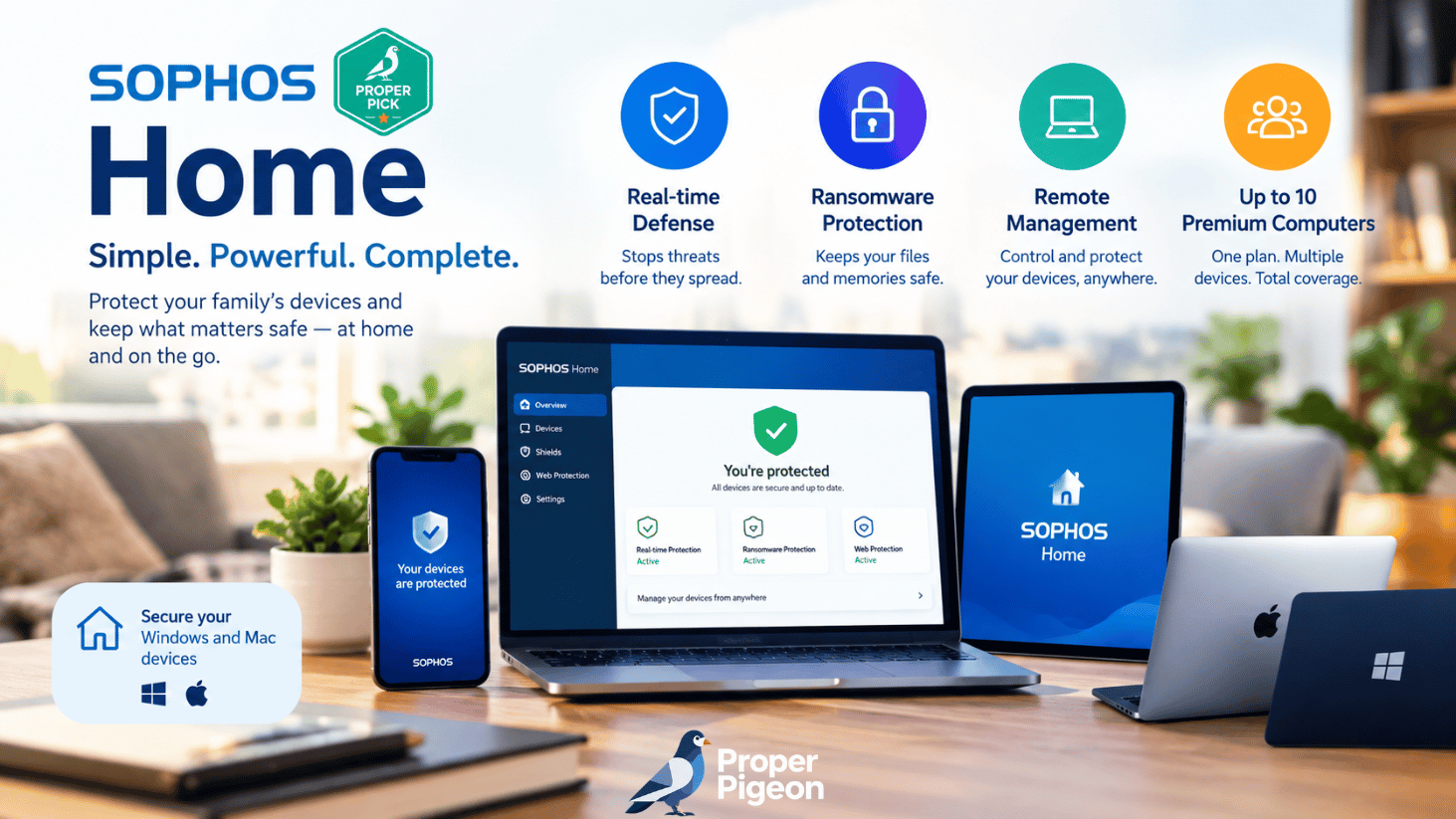
Updated October 2026. Sophos Home is a consumer antivirus service for Windows and Mac computers, combining real-time malware protection, ransomware defenses, website filtering, and a web-based dashboard for managing family devices. But is Sophos Home Premium worth paying for, and can you still get Sophos Home free?
This Sophos Home guide explains the current trial, features, device limits, compatibility, pricing, and trade-offs. It also separates Sophos Home from the company’s distinct firewall and business security products.
- Best for: households managing several Windows and Mac computers from one dashboard.
- Premium limit: up to 10 Windows and Mac computers on one account.
- Free option: new users receive a 30-day Premium trial for up to 3 computers, not a permanent free plan.
- Price reference: Sophos lists a $59.99 annual MSRP; promotions and checkout totals can differ.
- Main caveat: Windows and Mac do not have identical features, and recent independent lab evidence specific to Sophos Home is limited.
What Is Sophos Home?
Sophos Home is antivirus software intended for private, noncommercial use. Unlike a basic scanner that operates only on the computer in front of you, Sophos Home includes an online dashboard that lets an account holder review and manage protection across multiple computers. This is useful for parents, caregivers, and anyone who helps relatives maintain their devices.
It is important to distinguish Sophos Home from Sophos Firewall Home Edition, a separate firewall product, and from Sophos’s enterprise endpoint security tools. Capabilities or laboratory scores for those products should not automatically be attributed to Sophos Home.
Sophos Home Premium Features
Real-time antivirus and malware detection
Sophos Home provides continuous scanning intended to identify viruses, trojans, potentially unwanted applications, and other malware. On Windows, Sophos also lists predictive AI-based threat detection and additional scanning capabilities. Sophos’s official feature chart indicates that some of these capabilities are not offered in the same form on macOS.
Ransomware protection
Ransomware can encrypt personal files and demand payment to restore access. Sophos advertises ransomware protection for both Windows and Mac editions. No antivirus can promise to stop every attack, so maintain offline or otherwise isolated backups and keep your operating system updated.
Web protection and parental website filtering
Web protection aims to block known dangerous or compromised sites, including phishing destinations. Parental website filtering allows an account holder to restrict categories of web content. These are useful safeguards, but they are not substitutes for parental supervision, account security, or browser updates.
Remote security management
Remote management is one of Sophos Home’s clearest differentiators. Its web dashboard allows you to manage protection for computers in different locations. If you are the person everyone in your family calls for computer help, this may be more valuable than another antivirus feature that you rarely use.
What Sophos Home does not include
Do not assume that Sophos Home includes a standalone password manager, a VPN subscription, or the customizable network firewall rules found in Sophos Firewall Home Edition. These were incorrectly presented or implied in some automated summaries of the product. Evaluate Sophos Home on the features actually listed in its current consumer documentation.
How Good Is Sophos Home Antivirus Protection?
Sophos’s official documentation describes a layered approach involving known-malware signatures, behavior monitoring, and additional detection technologies. These are meaningful security capabilities, but a feature list is not the same as a current, independent comparative test.
Independent testing: an important limitation
At the time of this update, we could not establish a current, directly comparable AV-TEST consumer Windows result for Sophos Home from the lab’s Sophos consumer listing. That does not prove Sophos Home is ineffective. It means readers should avoid treating tests of Sophos’s business products as evidence of the consumer product’s current performance.
For context, consult AV-TEST’s Sophos consumer product listing and check the test date, operating system, and exact product name before relying on a score. Our verdict is therefore based on documented features and limitations, not a claim that Proper Pigeon performed hands-on malware testing.
Performance and system impact
Scanning and software updates can consume CPU, memory, and storage resources. Sophos’s system requirements acknowledge that some machines may experience temporary slowdowns during intensive activity. Actual impact depends on the computer and workload; we have not independently benchmarked Sophos Home on a test PC or Mac for this article.
Sophos Home Free vs Premium: What Can You Get?
New customers should not expect a free-forever Sophos Home antivirus plan. Sophos changed its former free offering to a 30-day Premium trial. Sophos says certain older accounts that had already switched to the free license before November 11, 2021, retain legacy free protection. That exception should not be confused with a free plan available for new sign-ups.
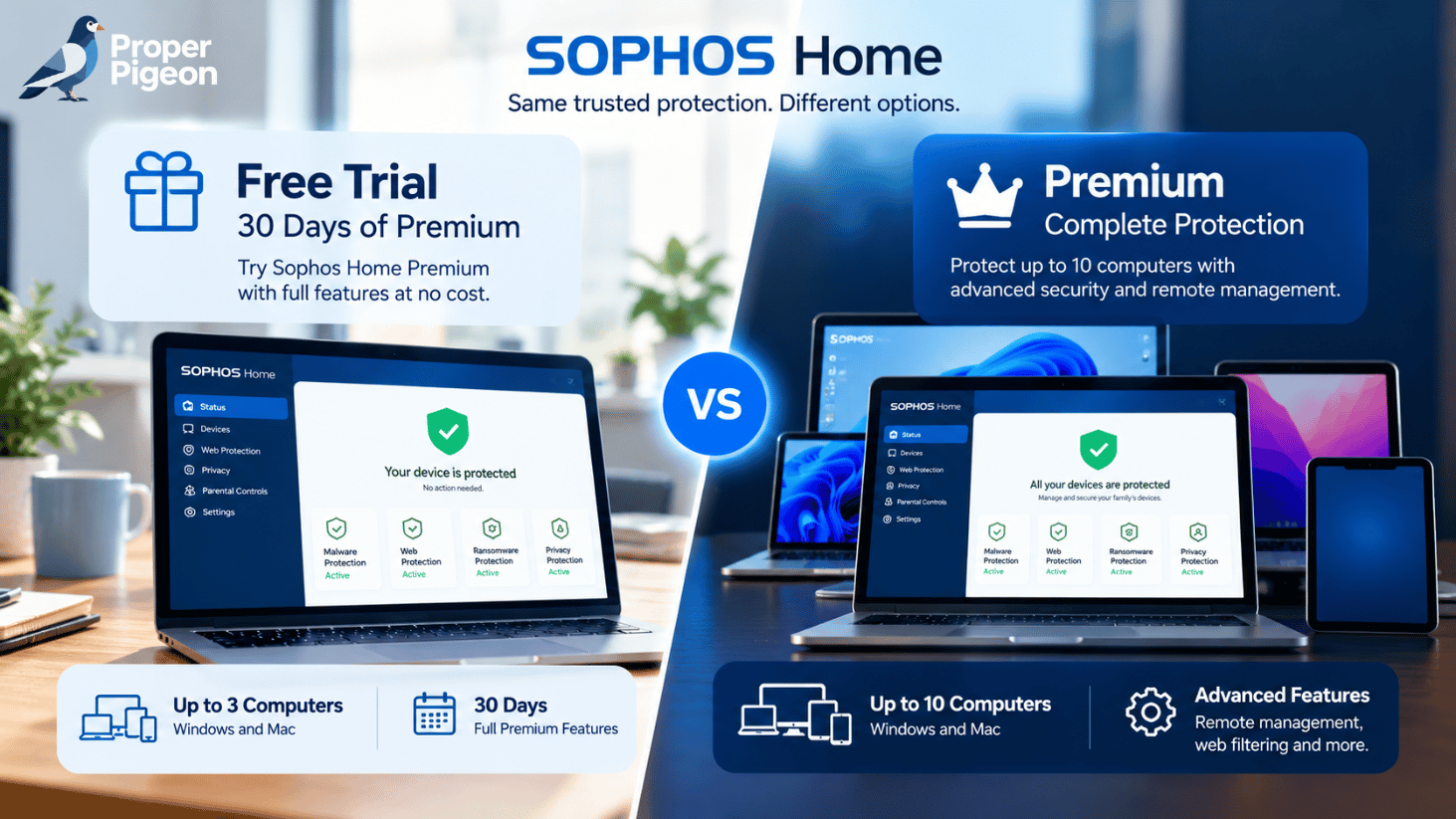
| Feature | 30-day Premium trial | Paid Premium |
|---|---|---|
| Availability to new users | Yes | Yes |
| Duration | 30 days | During active subscription |
| Windows/Mac computer limit | 3 | 10 |
| Premium protection features | Included during trial | Included while subscribed |
| Remote dashboard | Yes, during trial | Yes |
| Protection after expiration | Requires active license | Requires renewal |
Sophos explicitly states that an expired trial or subscription no longer protects the computer until the license is renewed or purchased. Plan your next antivirus solution before the trial ends.
Sophos Home Pricing and Plans in 2026
Sophos’s support documentation gives $59.99 per year as the manufacturer’s suggested retail price for Sophos Home Premium covering up to 10 Windows and Mac computers. Sophos also advertises promotional discounts and multiyear purchase options, so the price you actually pay may differ.
We have not verified a standard monthly billing option; therefore, we are not repeating the $5.99 monthly figure found in the original automated draft. Check the final checkout page for introductory discounts, renewal pricing, applicable taxes, and subscription terms.
At the stated $59.99 annual reference price, ten actively used computers would work out to roughly $6 per computer per year. That is a mathematical illustration, not a guarantee that you will receive a ten-device discount or use all ten licenses.
Review the latest Premium offer, trial terms, and renewal conditions directly with Sophos before purchasing.
Sophos Home for Windows and Mac
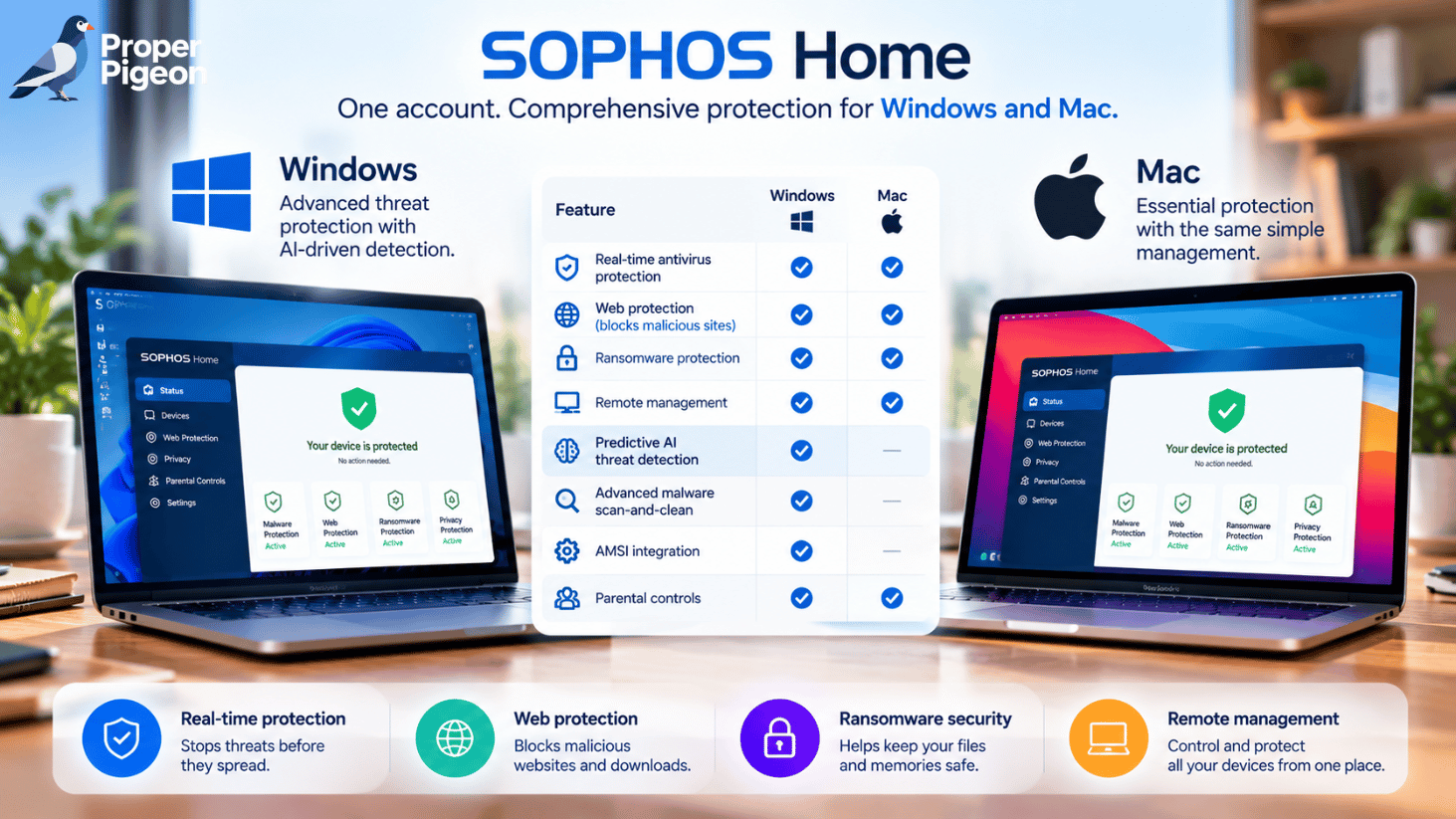
Sophos Home protects Windows and macOS computers under one Premium account, but the feature lists are not identical. Sophos’s comparison chart marks predictive AI threat detection, advanced malware scan-and-clean, and AMSI integration as Windows-only capabilities. Both platforms have real-time antivirus, web protection, ransomware security, and remote management listed.
Windows requirements
Sophos currently lists Windows 11, Windows ARM, and Windows 10 64-bit in a soft-retirement phase. Minimum requirements include 4 GB of RAM, 4 GB of disk space, and additional free space for the ransomware module. Because supported operating systems change, verify your exact Windows version before installation.
Mac requirements
Sophos’s support page lists supported macOS versions and a 4 GB RAM minimum, with 8 GB recommended. The vendor also requires additional disk space for ransomware protection. If you use an older Mac or a newly released macOS version, check the current support list rather than assuming compatibility.
What about phones and tablets?
Sophos Home’s ten-computer limit refers to Windows and Mac devices. Sophos offers a separate mobile security application; mobile devices are not managed as Sophos Home computers in the same dashboard. Do not interpret marketing references to mobile protection as ten additional Sophos Home desktop licenses.
How to Download and Install Sophos Home
- Go to the official Sophos Home website and select the trial or Premium option.
- Check that your computer meets the current system requirements.
- Download the installer and follow the instructions to set up your account and protection.
- Open the Sophos Home dashboard to review security status and, if needed, add another computer.
Sophos recommends removing other third-party antivirus software before installation to avoid conflicts. Download security software from the vendor or a verified authorized source, not an unrecognized installer mirror.
Sophos Home Pros and Cons
| Pros | Cons |
|---|---|
| Centralized remote management for household computers | No free-forever plan for new users |
| Premium covers up to ten Windows/Mac computers | Feature differences between Windows and macOS |
| Real-time, web, and ransomware defenses | Limited current directly comparable consumer lab evidence |
| 30-day trial lets you evaluate compatibility | Not an all-in-one VPN/password-manager bundle |
Sophos Home vs Bitdefender: Which Should You Choose?
Both products target consumers who want protection beyond basic operating-system safeguards, but their strengths and bundles differ. Sophos Home is particularly appealing when remote management across multiple family computers is your priority. Bitdefender may be a better fit if you want to evaluate a broader consumer product lineup and specific additional tools, depending on the plan.
Because Bitdefender’s features and device limits vary by package, do not assume that every Bitdefender plan includes the same services. Compare the exact products, current renewal prices, platform coverage, and independent test results before purchasing.
For a related antivirus comparison, see our Bitdefender vs Kaspersky (2026) guide.
Who Should Buy Sophos Home Premium?
Consider Sophos Home if you support several family computers, value a single remote dashboard, and prefer a straightforward antivirus subscription over a larger security suite. The 30-day trial is an opportunity to confirm that it runs acceptably on your particular computers.
Compare alternatives first if you need a permanent free antivirus, require a bundled VPN or password manager, want extensive independent consumer-product lab results, or use operating systems outside the supported Windows and macOS range.
Frequently Asked Questions
Is Sophos Home free in 2026?
New users can obtain a 30-day trial of Sophos Home Premium for up to three computers. Sophos says some older free-license accounts retain legacy access, but that is not a new-user free-forever offer.
How many devices does Sophos Home Premium protect?
A Premium account supports up to ten Windows and Mac computers in total. You can mix the two operating systems within the account.
Does Sophos Home work on Mac?
Yes, on supported macOS versions. Some security features differ from the Windows edition, so review Sophos’s current platform comparison before purchasing.
Does Sophos Home include a firewall?
Do not confuse Sophos Home antivirus with Sophos Firewall Home Edition. The latter is a separate product; the customizable network firewall features described in some third-party summaries should not be assumed to be part of Sophos Home.
What happens when the Sophos Home trial expires?
According to Sophos, protection stops when the trial or paid license expires. You need an active license or an alternative security solution to remain protected.
Is Sophos Home better than Bitdefender?
There is no universal winner for every household. Sophos Home’s remote management may appeal to families with multiple computers; Bitdefender’s specific consumer plans may offer different tools and independent testing histories. Compare the exact plan and your operating system.
Final Verdict: Is Sophos Home Worth It?
Sophos Home Premium is a reasonable option for families who prioritize easy management of multiple Windows and Mac computers. Its remote dashboard, ransomware protection, web filtering, and ten-computer allowance are the strongest reasons to consider it. The absence of a permanent free plan for new customers, platform differences, and limited directly comparable recent consumer lab evidence are reasons to evaluate it carefully rather than purchase automatically.
Start with the official 30-day trial if you are interested, verify current pricing and renewal terms, and compare another antivirus before committing to a long subscription.
See current offers and check whether the trial suits your household.
Sources and Editorial Methodology
This article is a research-based editorial guide, not a hands-on antivirus laboratory test. Feature, license, and compatibility statements were checked against Sophos’s published consumer documentation on October 16, 2026. We did not independently test malware detection or benchmark system performance. Prices and support policies can change.
- Sophos Home — Features and Windows/Mac comparison
- Sophos Home — Trial, legacy free licenses, and annual MSRP
- Sophos Home — System requirements
- Sophos Home — Official download guidance
- AV-TEST — Sophos home-user Windows listing
Disclosure: Proper Pigeon may earn a commission from qualifying purchases through clearly identified affiliate links, at no additional cost to readers. Editorial conclusions are not based on commission rates.